Goodman's Fields, 84 Alie Street, London E1
Some of the photos it was made from
The tour, 23 seconds
Examples
Two London homes: photos of each, and the tour the AI made from them. Nothing was filmed and nobody went back to the property.
Make a tour from your photosSome of the photos it was made from
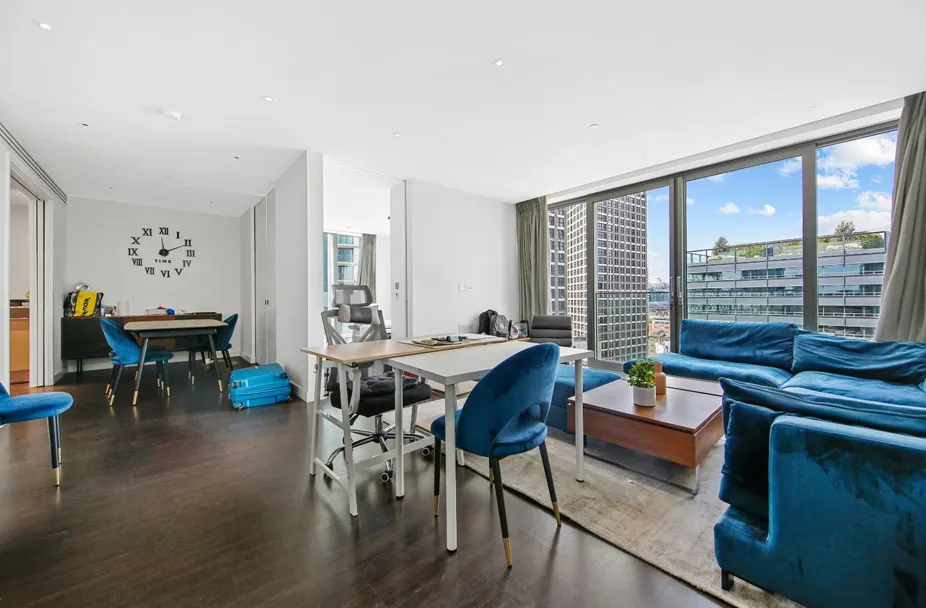
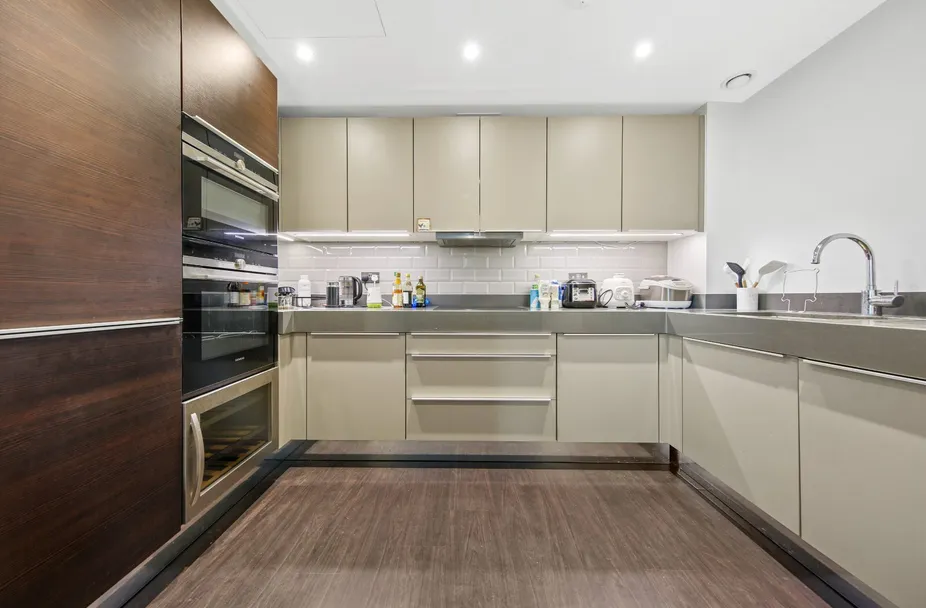
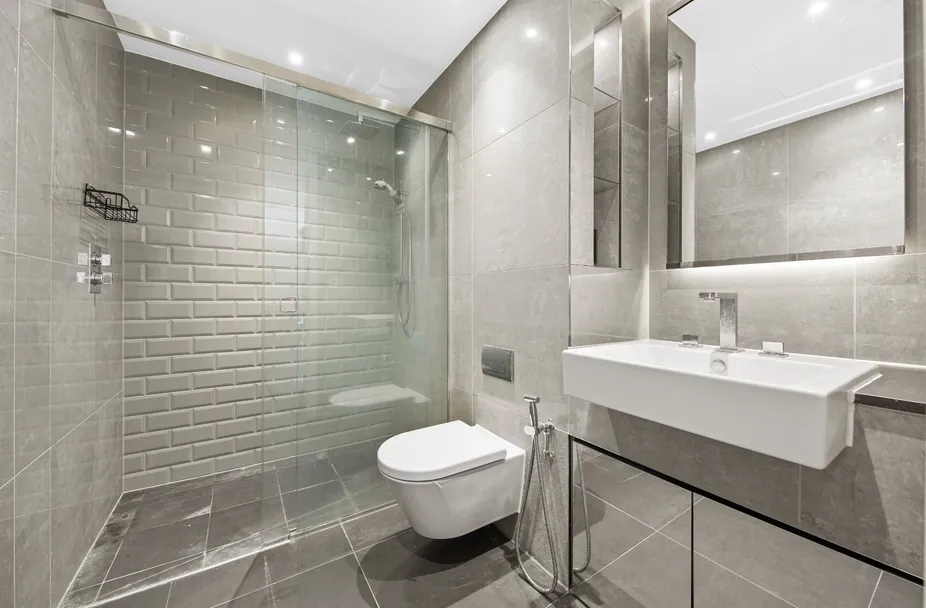
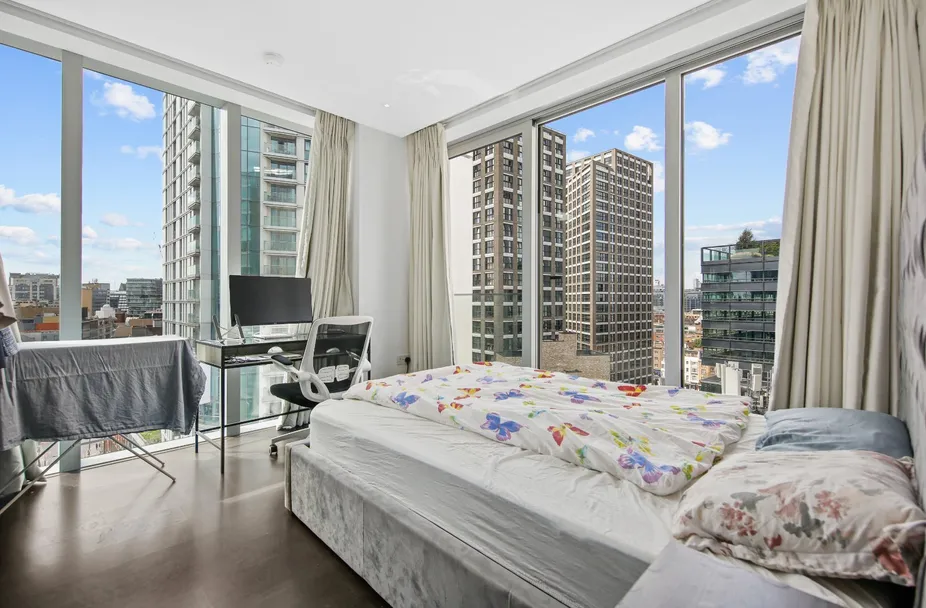
The tour, 23 seconds
Some of the photos it was made from
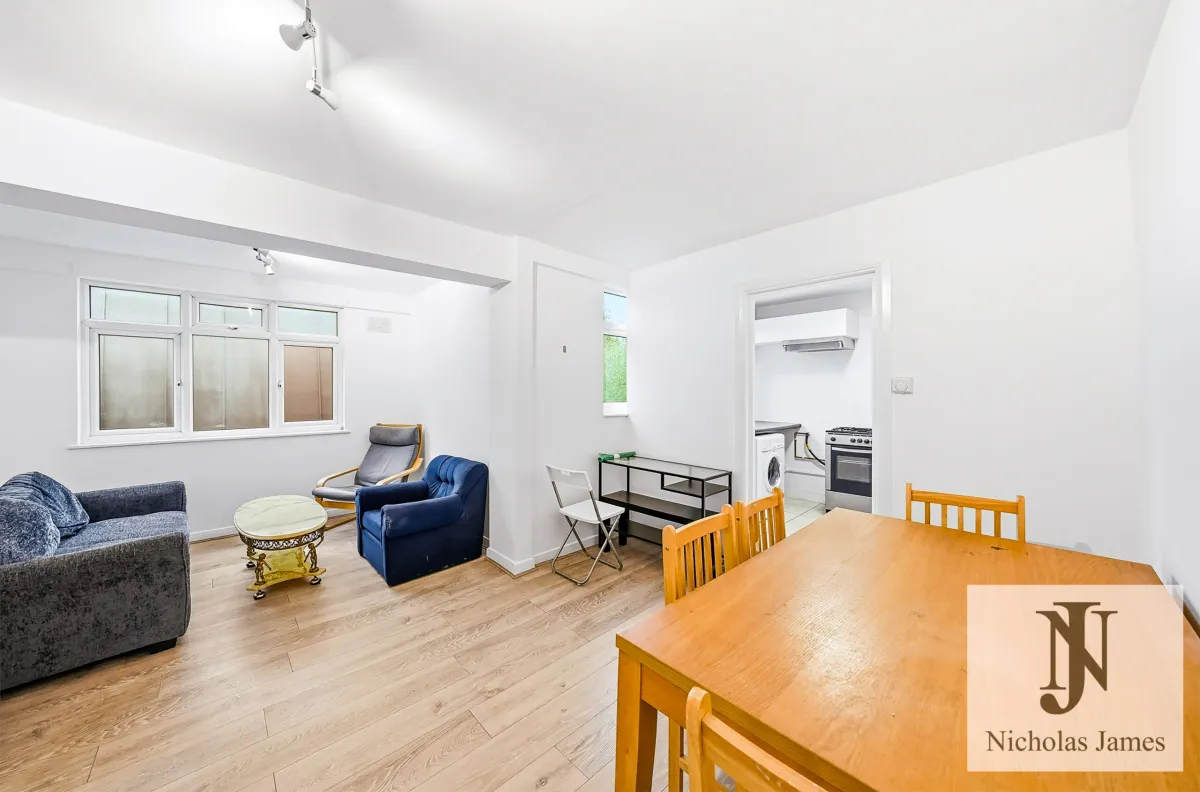
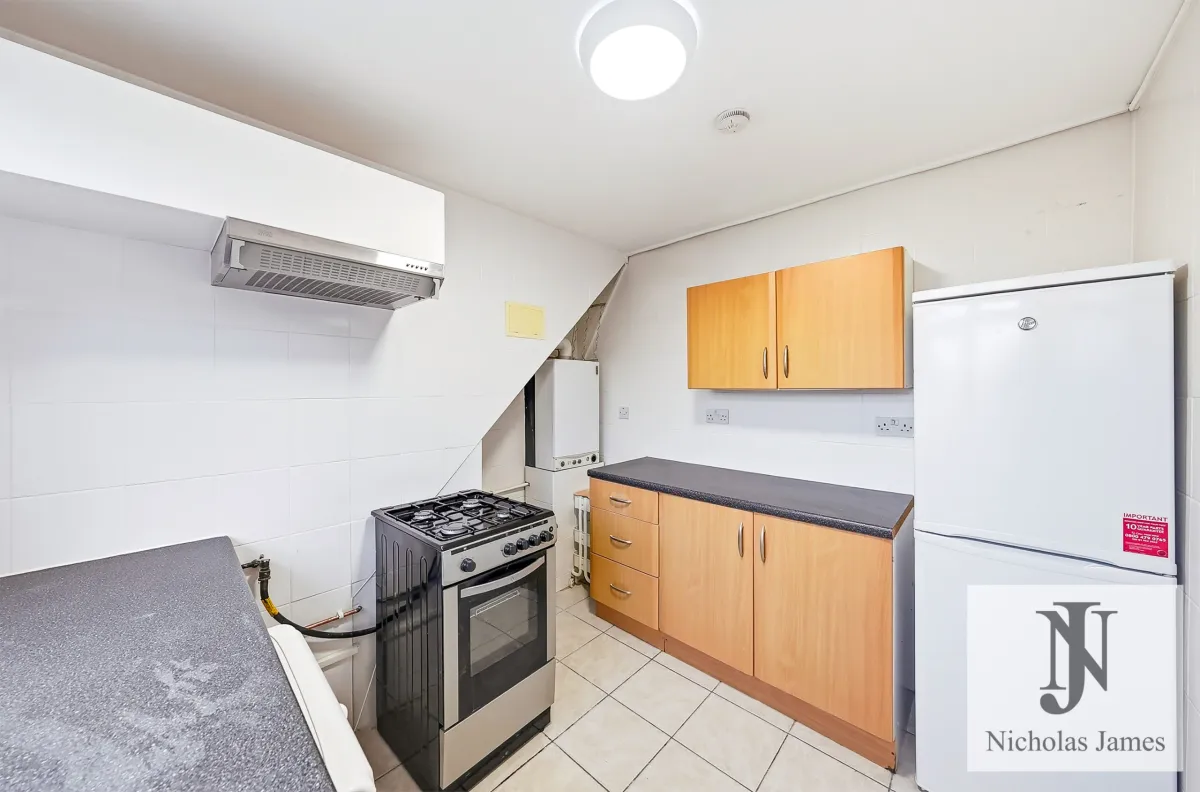
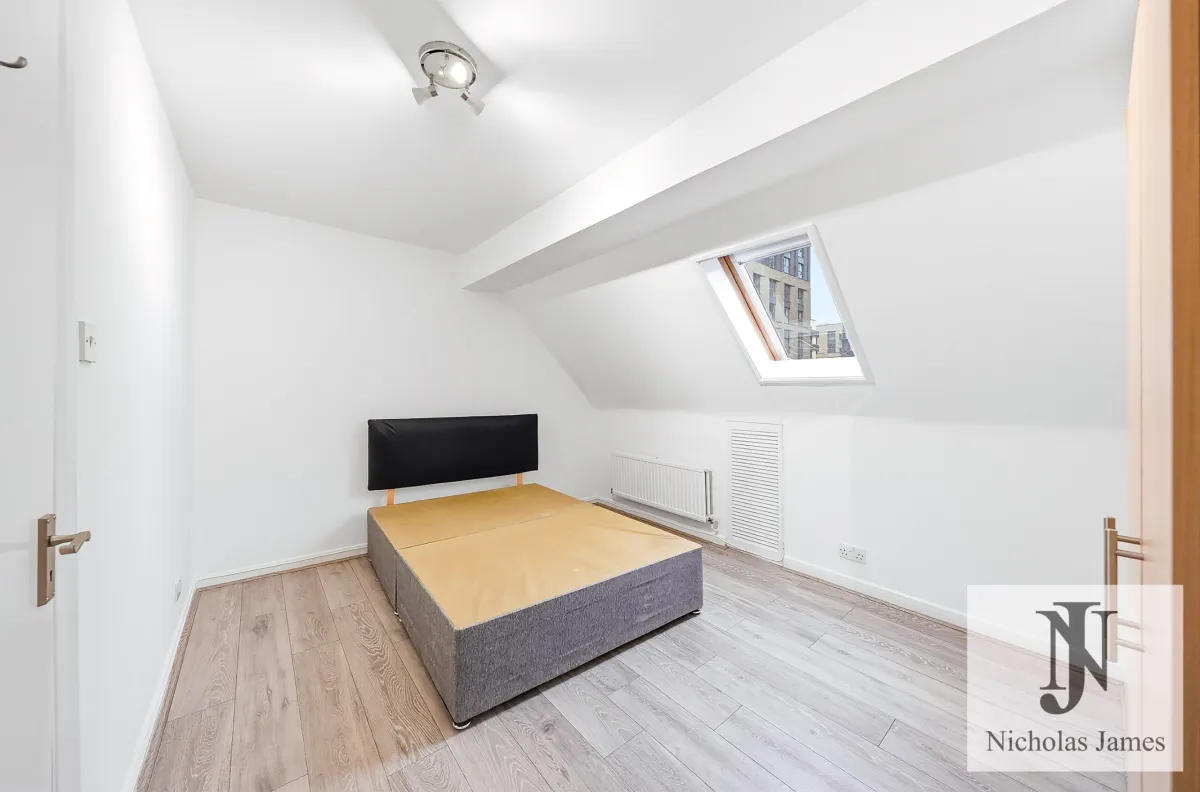
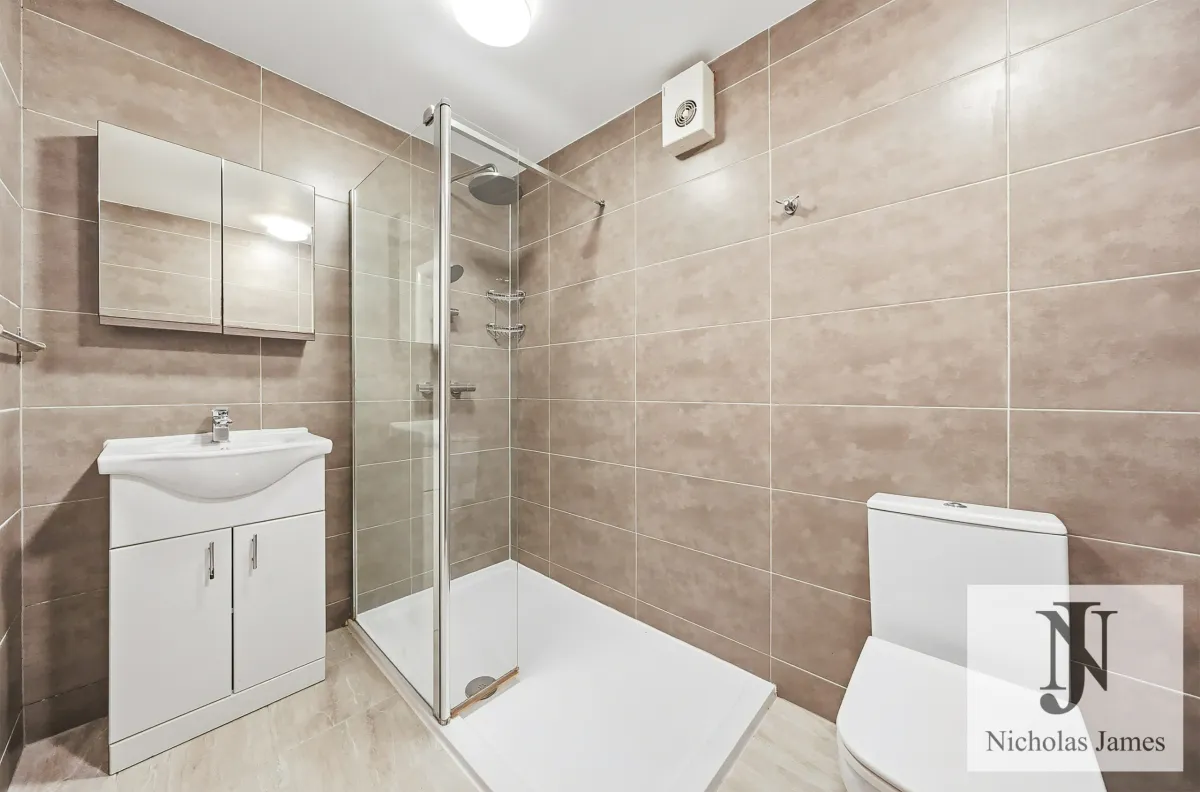
The tour, 23 seconds
What to look for
Each photo becomes a 6-second clip in which the camera moves through the room as if it were filmed. The clips are joined in the order the photos were put in, so a tour of 3 to 8 photos runs 17 to 45 seconds.
To move the camera, the AI has to imagine the parts of the room the photo doesn't show. Watch for it at the edges of each shot: most of the time it is invisible, but it can add or smooth over a detail. That is why every tour should be watched before it is published.
How it works
Drop 3 to 8 photos of the home. Each is checked as it arrives, and one that can't be used is turned away with the reason, before it costs anything.
Landscape for portals and websites, portrait for Reels, TikTok and Shorts. Put the rooms in walking order, then make the tour.
It usually takes a few minutes. The MP4 waits in your Studio, ready to download and post wherever you like.
Drop the photos you already have. Your first preview is free.
Add your photos